Kiosk Software
Turn the machine itself into a premium retail surface. Wendor Kiosk Software is built for tall displays, touch confidence, fast merchandising, and real device resilience.
- Screen range
- 10-inch to 22-inch layouts
- Built for
- touch-first unattended retail
- Connects to
- payments, wallet, service mode
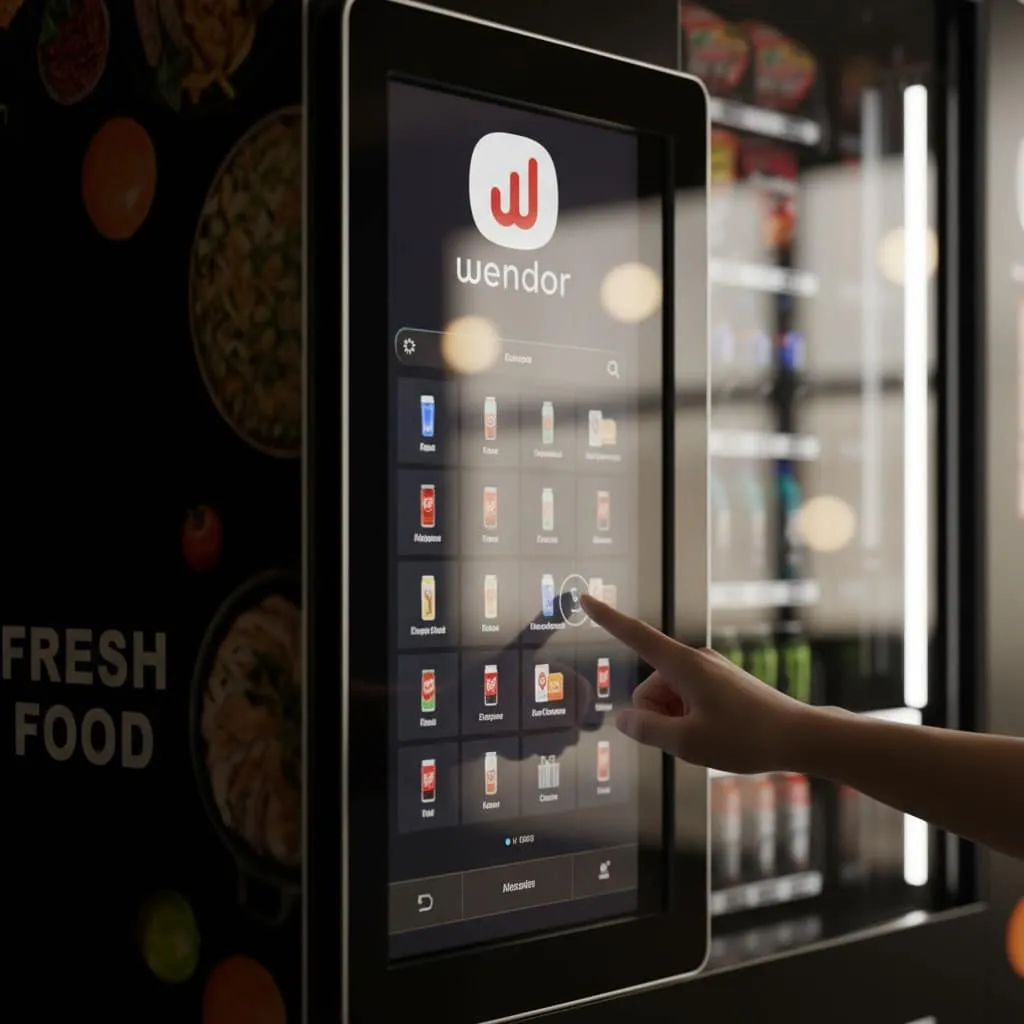
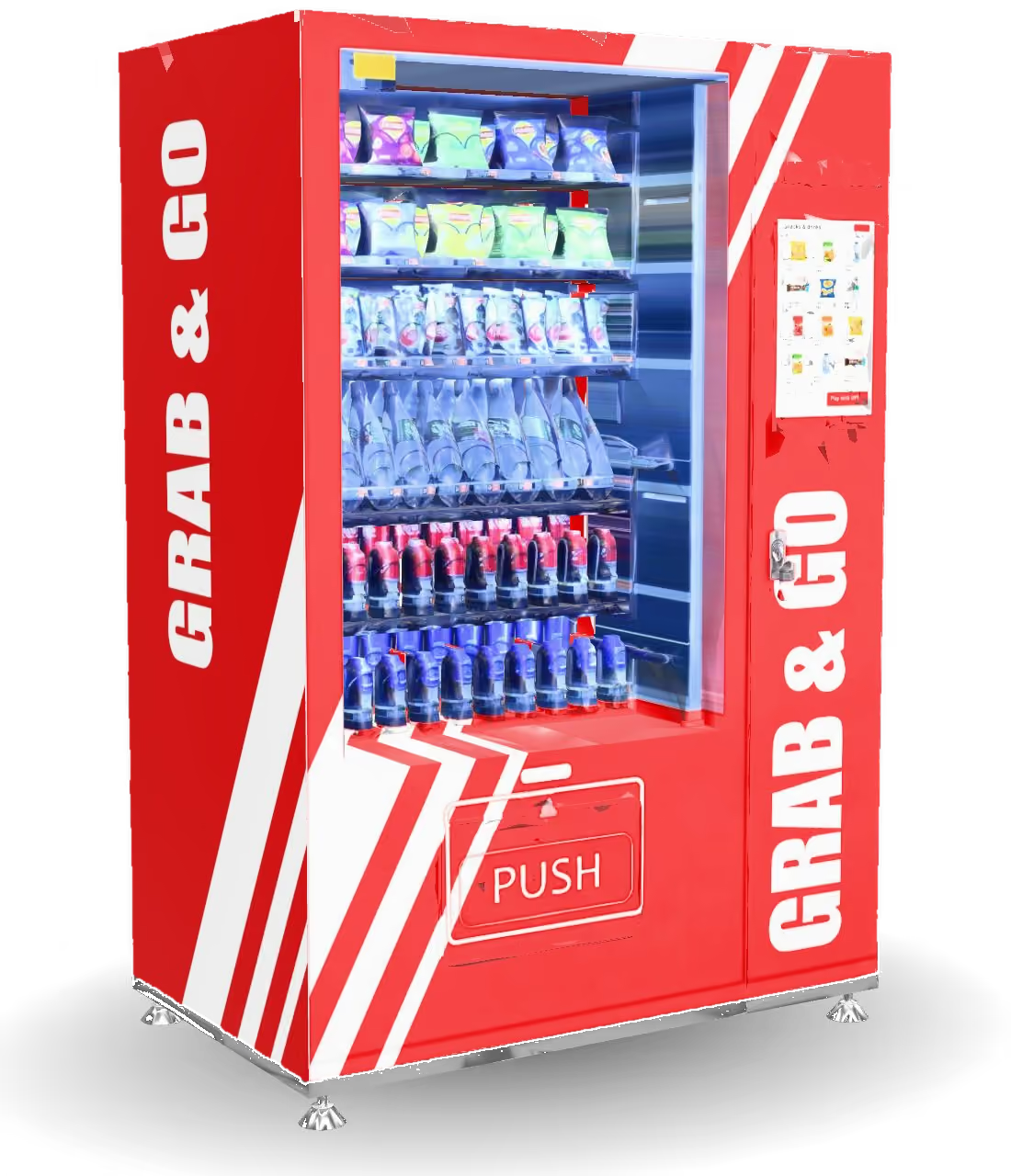
- Screen range
- 10-inch to 22-inch layouts
- Buying mode
- touch-first browse, cart, vend
- Service layer
- diagnostics, recovery, maintenance access
-
Retail stage
big visuals, clear targets, fast decisions
-
Merchandising
promos, hierarchy, category-led selling
-
Resilience
offline logic and device recovery
In practice
Designed for physical retail, not generic tablet UI
The kiosk connects product browsing and payment with machine-side service access, using layouts designed for vending screens.
-
Display-specific layouts
The UI adapts to tall and compact hardware footprints without feeling like a stretched web page.
-
Merchandising built in
Product tiles, hierarchy, and promotional space help the machine sell on its own.
-
Operational reliability
Offline logic, recovery routines, and service access keep the device useful under real hardware conditions.
Workflow
How kiosk software works on the machine
The kiosk supports customer checkout at the screen and operator controls behind the machine.
-
Present the offer
The screen leads with products, categories, and add-to-cart clarity for a machine-side shopping moment.
-
Support the transaction
It hands payment and vending cleanly while keeping status visible to the user.
-
Support service mode
Staff can access controls and diagnostics without rebuilding the interface for maintenance.
Capabilities
Key responsibilities of the kiosk layer
Built around on-device UX and the operational resilience a public machine needs.
-
Dynamic layout engine
Content modules can be rearranged for different machine types and display sizes.
-
Hybrid customer handoff
The kiosk experience can work alongside QR and mobile journeys instead of replacing them.
-
Brand flexibility
Design language can shift for whitelabel or category-specific deployments without losing usability.
-
Machine-aware context
The UI stays aware of status, temperature, inventory, and maintenance states.
What buyers get
What the kiosk delivers
-
Real on-machine retail software, not a generic touch skin.
-
Kiosk UX shares catalogue, payments and offers with the rest of the CX Platform.
-
A bold, branded screen that turns footfall into purchases.
Next step
Where this fits in the software stack
Other linked modules
FAQ
Questions about Wendor kiosk software
Answers to technical and operational questions about Wendor Kiosk software.
What screen sizes are supported?
Wendor Kiosk Software is designed for multiple industrial display sizes.
Wendor CX Platform
- Supports compact and tall retail display formats
- Layouts are tuned for touch-first buying behavior
Can the kiosk function offline?
Yes, core kiosk behavior can remain usable even when connectivity drops.
Wendor CX Platform
- Local interaction and device logic can continue in reduced modes
- Connectivity-dependent actions recover once the machine is back online
Does it support face recognition payments?
Yes, kiosk flows can support identity-linked payment models where the deployment allows it.
Wendor CX Platform
- Best suited to controlled environments and closed-loop setups
- Often paired with faster repeat-use payment journeys
How does the software handle crashes or failures?
Wendor Kiosk Software is designed around resilience and quick recovery.
Wendor CX Platform
- Recovery patterns help reduce kiosk downtime
- Service-mode access supports fast operational intervention
Is the interface brandable?
Yes, kiosk experiences can be themed to match the deployment brand.
Wendor CX Platform
- Branding can extend into layout, visual language, and product presentation
- Useful for whitelabel and enterprise program rollouts
Confirm the scope before your software pilot
Hardware and data
Bring your machine and payment-provider list, existing exports and required workflows. Confirm connector availability, data migration and functions to test.
Access and responsibilities
Agree user roles, data ownership, export access and who handles stocking, refunds and service. Review security and privacy requirements with the team.
Commercial and support terms
Request a proposal separating software, integration and hardware charges. Confirm onboarding, support availability and pilot acceptance criteria in writing.
