Analytics Dashboard
The Wendor analytics dashboard turns machine, SKU, payment, and operating data into a decision layer for leadership, finance, and operations teams.
- Zoom level
- entity to SKU
- Audience
- ops, finance, leadership
- Output
- live insight plus exports
In practice
One dashboard for commercial truth and operational action
Clarity for everyone: leadership gets a business view, and operators get the machine and refill-level detail they can act on.
-
Entity-wise reporting
Review performance across business units, client accounts, regions, or operator structures without losing drill-down depth.
-
Machine and route visibility
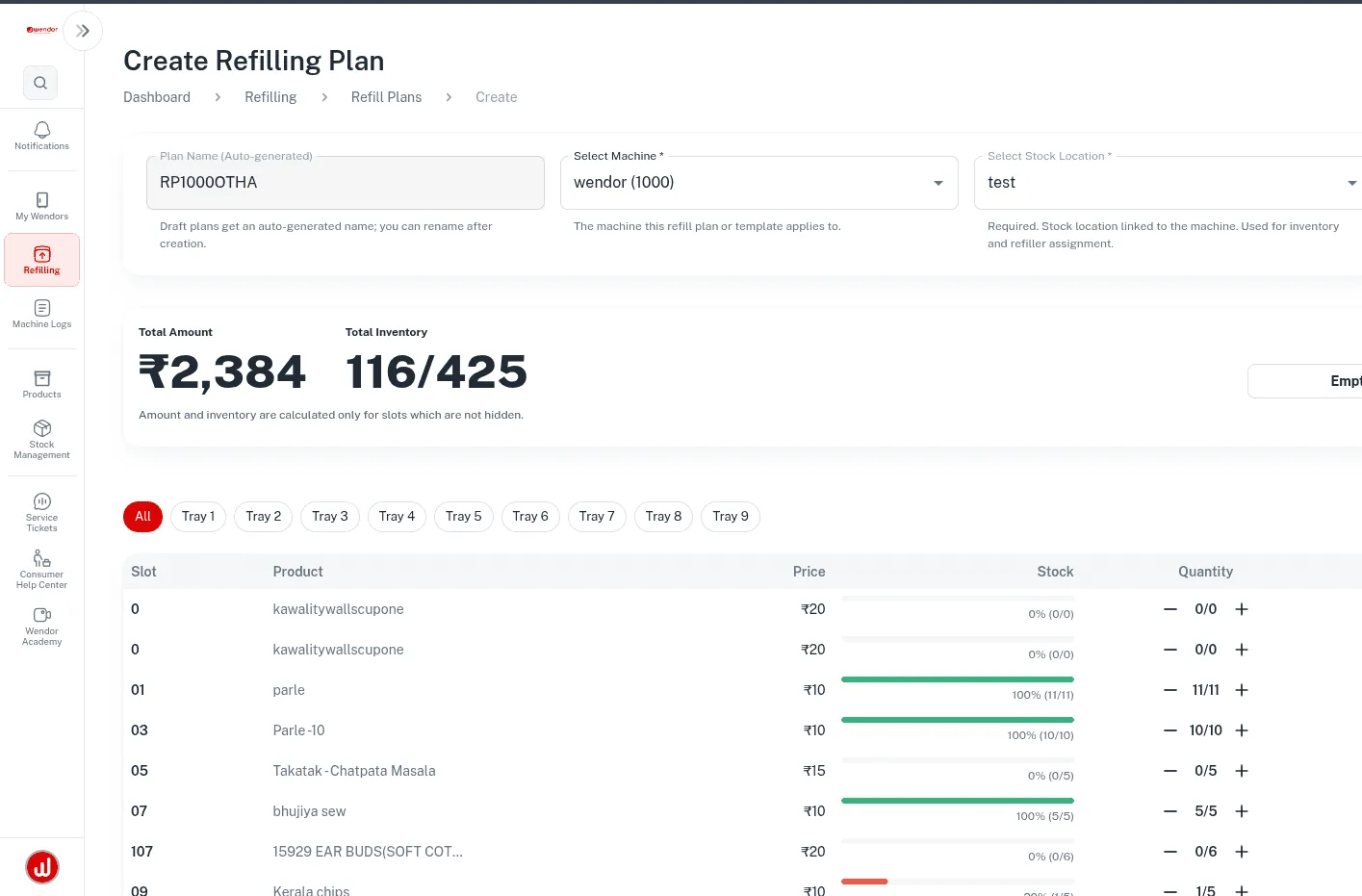
Spot weak machines, downtime patterns, refill misses, and route drag before leakage compounds.
-
SKU intelligence
Understand fast movers, stagnation, category shifts, and merchandising opportunities from one reporting surface.
Capabilities
Dashboard capabilities
Permissioned visibility, rollups from organisation to machine and SKU, and sales data alongside refill and service activity.
-
Role-based access
Finance, operations, field leadership, and account teams can each see the right layer of information.
-
Operational context
Sales, stock flow, route execution, and machine health stay connected instead of living in separate dashboards.
-
Export-ready outputs
Reconciliation, review decks, and management reports can be generated from the same data foundation.
-
Custom analysis support
Wendor can shape tailored reporting views when the business needs something beyond the standard daily lens.
Workflow
How teams use the analytics layer
The dashboard works best when different teams read the same business through the lens they actually need rather than relying on disconnected reports.
-
Read the business
Leadership gets topline, mix, and region-wise signals without waiting for a custom export every week.
-
Diagnose the operation
Ops teams move from alerting to machine, route, and refill investigation inside the same reporting environment.
-
Share decision-ready outputs
Exports and focused analysis support reconciliation, reviews, and commercial planning conversations.
What buyers get
What the dashboard delivers
-
Real analytics, not just a machine status screen.
-
Decision support for leadership and next actions for operations.
-
Commercial numbers you can take into a business review.
Next step
Where this fits in the software stack
Other linked modules
FAQ
Questions about the analytics dashboard
Answers to the most common questions about Wendor's analytics depth, reporting, exports, and custom analysis workflows.
Can Wendor separate analytics by entity, city, business unit, or client account?
Yes, the Wendor analytics dashboard is built for multi-entity reporting.
Wendor VMS
- Slice performance by entity, region, machine cluster, or customer program
- Keep group-level visibility without losing drill-down depth
What kind of business-level analysis can we do?
Teams can use the Wendor analytics dashboard for both commercial and operational analysis.
Wendor VMS
- Review revenue, payment mix, basket behavior, and category movement
- Connect business performance with downtime and refill productivity
Do you only provide fixed dashboards or can we request custom analysis?
Both standard views and custom analysis are possible inside the wider Wendor reporting model.
Wendor VMS
- Use standard dashboards for daily decisions
- Request custom cuts for finance, procurement, leadership, or key-account reviews
Can we identify underperforming machines or stagnant SKUs quickly?
Yes, the Wendor analytics dashboard is built to surface weak machines and stagnant SKUs quickly.
Wendor VMS
- Spot low-velocity stock and refill anomalies early
- Move from insight to operational action faster
Are reports exportable for reviews, audits, or settlement?
Yes, export-ready reporting supports reviews, reconciliation, and operational handoffs.
Wendor VMS
- Useful for audits, management packs, and settlement workflows
- Keeps the analytics layer practical for real enterprise teams
Confirm the scope before your software pilot
Hardware and data
Bring your machine and payment-provider list, existing exports and required workflows. Confirm connector availability, data migration and functions to test.
Access and responsibilities
Agree user roles, data ownership, export access and who handles stocking, refunds and service. Review security and privacy requirements with the team.
Commercial and support terms
Request a proposal separating software, integration and hardware charges. Confirm onboarding, support availability and pilot acceptance criteria in writing.
